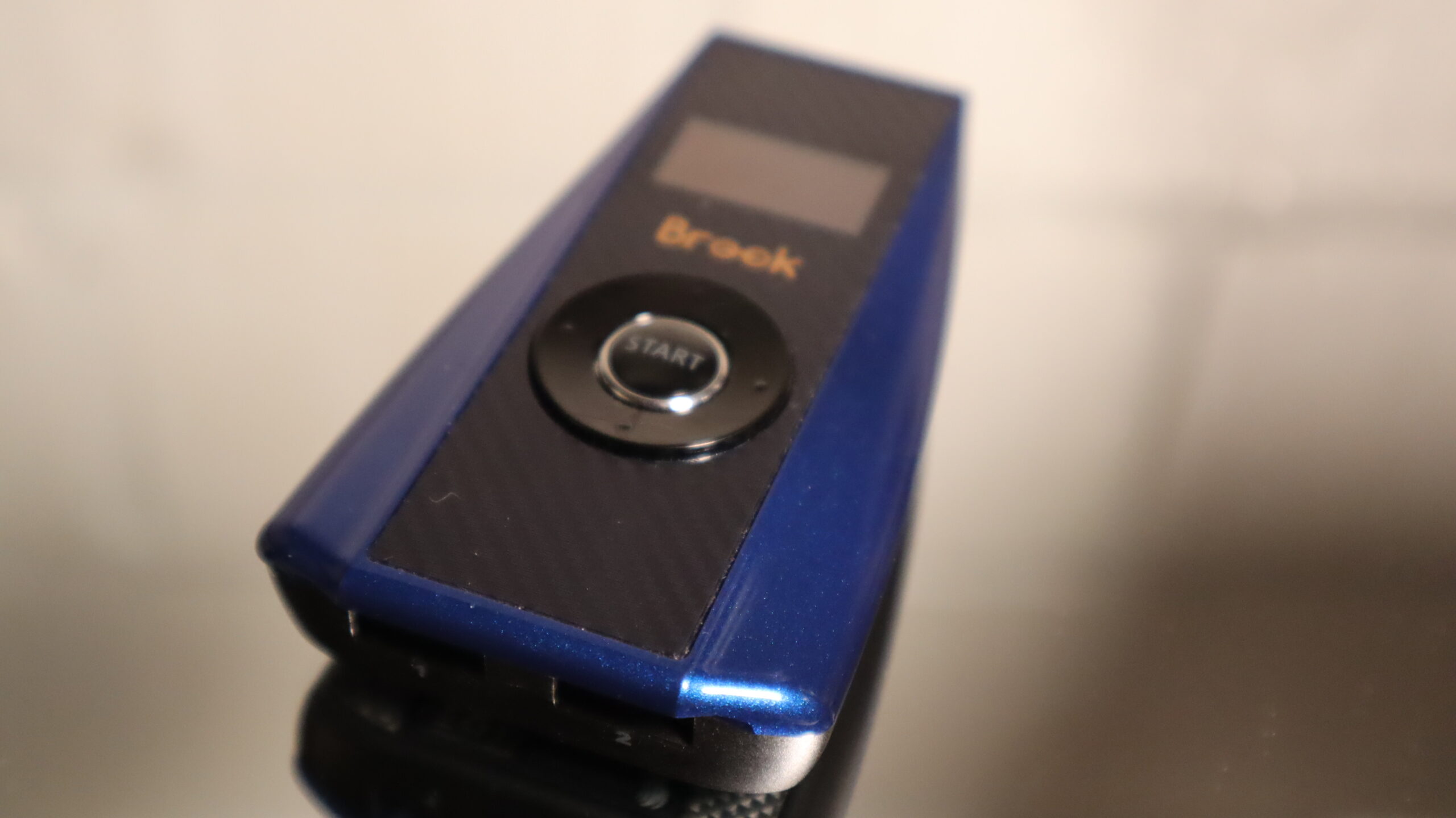
Brook’s Ras1ution 2 Review – Unlocking Cross-Platform Compatibility
The Brook Ras1ution 2 is an intriguing little device designed to make non-compatible wheelbases work across multiple gaming platforms.
In this review, I’ll share my hands-on experience with the Ras1ution 2 — how it performs, what works (and what doesn’t), and whether it’s worth adding to your sim-racing setup.
🎮 Supported Platforms
The Ras1ution 2 supports a surprisingly broad range of systems:
- PlayStation 3, 4, and 5
- Nintendo Switch 1 & 2
It’s worth noting that it used to support Xbox, but that compatibility was dropped about 18 months ago.
Brook now offers a separate model — the Ras1ution X — for the Xbox ecosystem.
🧩 Hardware Compatibility
One of the Ras1ution’s biggest strengths lies in its wide hardware support.
According to Brook’s official compatibility chart, and through my own testing, here’s how it performed:
✅ Working setups tested:
- MOZA R9 V2 with CS V2 wheel and SRP pedals – flawless performance
- CAMMUS C12 with C5P pedals – smooth operation
❌ Not recognized:
- Turtle Beach VelocityOne – not on the compatibility list, and indeed didn’t connect
In general, you can expect solid results with:
- MOZA R5, R9, and C5 series
- CAMMUS wheelbases
- Thrustmaster line-up
- Logitech wheels and pedals
- Fanatec hardware (with caveats)
When using Fanatec pedals (ClubSport V3 or CSL) in combination with MOZA or CAMMUS bases, they weren’t recognized. However, Thrustmaster T-LCM pedals worked perfectly under the same conditions.
So, in short: Fanatec pedals only work directly with Fanatec wheelbases, but everything else integrates quite smoothly. Also, the very important Fanatec CSL DD does not seem to work on the Playstation platform either.
Note that compatibility can change. It is always good to check the Brook’s website.
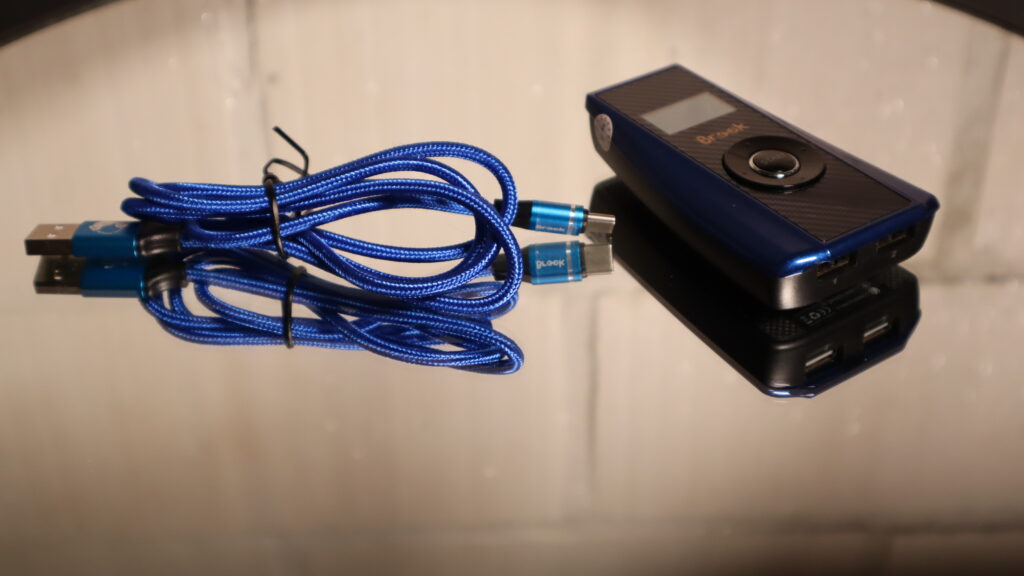
⚙️ Setup & Installation
One of the Ras1ution’s best qualities is its simplicity.
The setup process takes just a few minutes:
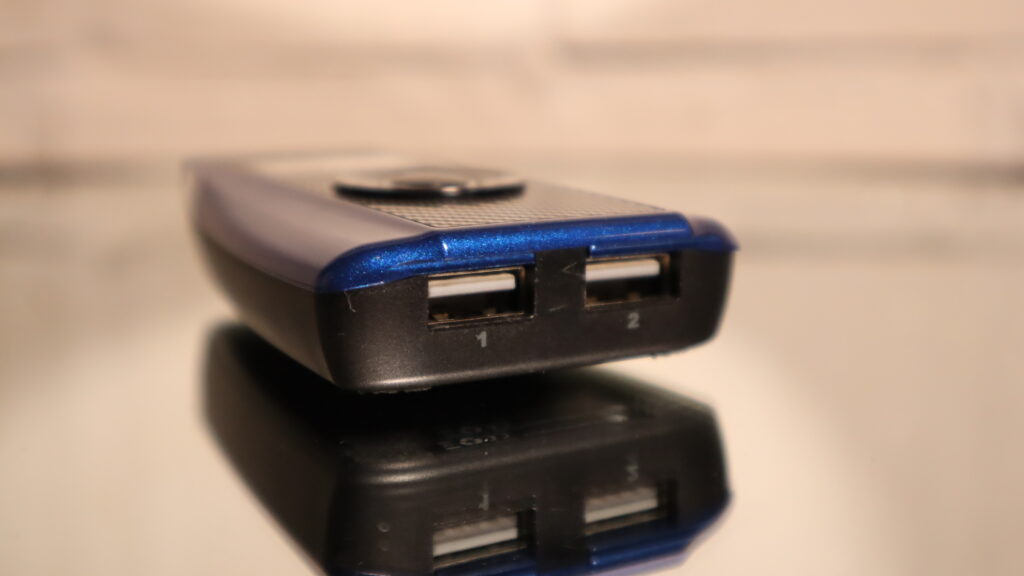
- Connect your wheelbase and pedals to the two USB input ports on the Ras1ution.
- Plug the output USB into your PlayStation or Switch.
- Power on the wheelbase and console.
- Press the pairing button to register as a recognized controller.
That’s it — you’re ready to drive.
It’s a plug-and-play solution that most users can handle without a guide.
🧠 Configuration & Software
Configuring the Ras1ution can be a bit more complex than installing it.
The device allows for basic adjustments — such as dead zone and force strength — directly on its interface.
Beyond that, you’ll need to tweak settings within your game (for example, Gran Turismo 7’s force feedback and sensitivity) and even inside your wheel’s configuration software (via PC or mobile app).
It’s a three-layered tuning process:
- Ras1ution device settings
- Game-level adjustments
- Wheelbase manufacturer settings
Finding the right balance can take time, but once dialed in, the setup runs reliably.
🧩 How It Works (And Why It Matters)
Here’s the key to understanding the Ras1ution’s performance:
The device emulates the Logitech G29 signal.
So, while your MOZA, CAMMUS, or Thrustmaster hardware sends high-end input data, the PlayStation interprets it as a G29.
That means you’re limited to the G29’s hardware profile — specifically, its gear-driven system with a maximum torque of around 2.3Nm.
This translation bottleneck impacts how force feedback is delivered, especially when using more powerful direct-drive wheelbases.
🏎️ Driving Experience & Force Feedback
Let’s talk about how it actually feels in Gran Turismo 7 on PS5.
At lower speeds and straights, road detail is minimal. Before corners or on kerbs, there are slight vibrations — good, but far from what you’d expect from a direct drive setup.
During sharper turns, there’s a noticeable lack of lateral feedback — the car feels light, and at times, I could literally hold the wheel with two fingers during cornering.
When hitting kerbs or losing grip, you get a subtle rumble, but road texture and micro details are mostly missing. The result feels like a muted version of what your hardware can actually produce.
Even after experimenting with various force-feedback settings, the core issue remains:
the Ras1ution can only deliver the range of a G29 emulation, not the full dynamic output of a direct drive.
📉 Performance Limitations
Across all my tests — with MOZA and CAMMUS bases — the force feedback detail was consistently flat.
You’ll feel crashes, kerbs, and lockups, but not much road texture or weight transfer.
It’s not a deal-breaker, but don’t expect PC-like immersion.
If you mainly race on Gran Turismo, this is as much a game limitation as it is a hardware one.
💡 Who Should Buy It?
If you’re console-only and don’t own any wheelbase yet — skip the Ras1ution.
Buy a native PlayStation-compatible wheel instead (like the Thrustmaster T300). You’ll get better force feedback and smoother integration.
However, if you’re a PC racer who occasionally wants to jump on console with friends, the Ras1ution makes sense.
It’s far cheaper than buying a second setup and gets the job done — even if it’s not perfect.
Just remember: the force feedback will feel softer, and you’ll lose detail fidelity due to the G29 emulation layer.
🆚 Alternatives
Brook’s Ras1ution isn’t alone in this market.
The Collective Minds DriveHub is another popular cross-compatibility adapter — one I’ll be reviewing and comparing soon.
If you want to see how the two stack up in real-world tests, subscribe to stay updated.
🏁 Conclusion – A Useful Tool with Realistic Limits
The Brook Ras1ution 2 is a clever, practical device for sim racers who want cross-platform flexibility.
It’s easy to set up, works with a wide range of hardware, and performs reliably in most cases.
That said, its G29-based emulation means limited force feedback, especially when using powerful wheelbases.
If you go in with realistic expectations — and just want to race on console occasionally — the Ras1ution 2 is a solid and convenient solution.
Extra resources:


